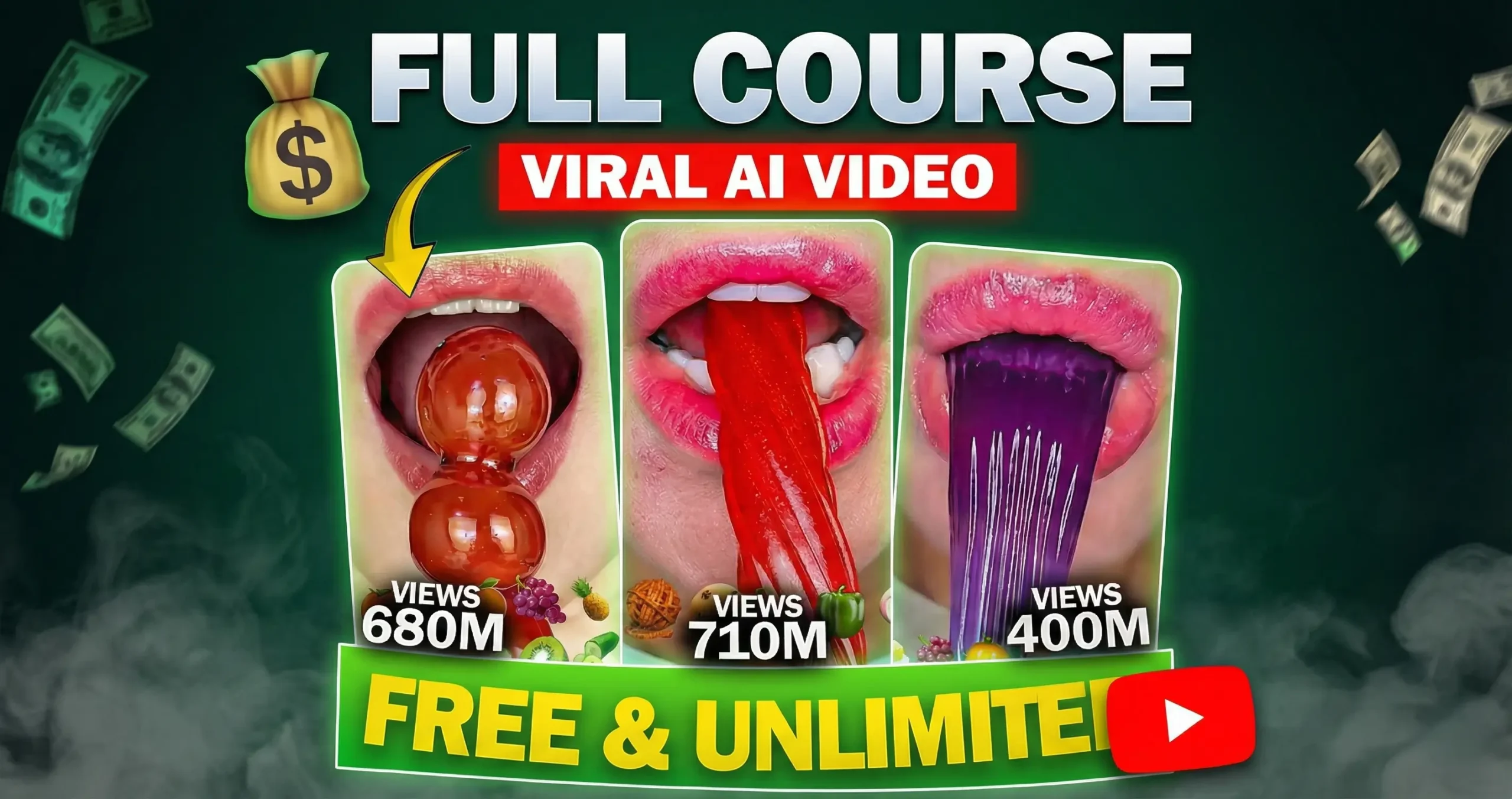
How to Edit AI ASMR Eating Videos
Table of Contents
ASMR eating videos have become a massive global phenomenon on YouTube. Some of the top creators in this niche pull in millions of views per video and earn significant revenue through ad sense and sponsorships.
Previously, starting a channel like this required a professional binaural microphone, a high-quality camera, and a constant budget for expensive, exotic foods.
The game has changed with the rise of artificial intelligence. Today, you can generate high-quality, “AI ASMR eating videos” viral videos featuring hyper-realistic animations and satisfying ASMR audio—all without ever picking up a camera or spending a dime on groceries.
This is going to be an interesting walkthrough…
So grab a cup of coffee ☕️ and join me for this guide…
In this post, you will learn how to start a faceless ASMR eating channel and edit AI ASMR eating videos.
This blog post is your ultimate resource hub. We have compiled every tool, website, and secret prompt mentioned in our latest video to help you launch your AI ASMR channel from scratch and also edit In this post, you will learn how to start a faceless ASMR eating channel and edit AI ASMR eating videos 100% for free.
1. Image Generation
The secret to a professional-looking ASMR channel is consistency. You want your viewers to recognize your “character” instantly in every video, which builds brand loyalty and helps your content go viral. 🚀
Step A: Crafting the Prompt with ChatGPT
- Before generating images, use ChatGPT (GPT) to refine your scene descriptions.
- Providing a detailed prompt ensures the AI understands the specific texture and “vibe” required for high-quality ASMR visuals.
Step B: Generating Images in Google AI Studio
- Once you have your detailed description from ChatGPT, head over to aistudio.google.com to generate your visuals. 💻
- This platform allows you to create high-quality, professional images for free.
2. Image to Video Generation (100% Free)
Once you have your consistent image, you need to animate it so it looks like the character is actually eating.
- Use
grok.comto upload your image. - Generate automatic video motion.
- Use specific prompts within the video generator to ensure the “mouth” moves correctly with the food.
3. Video Editing
Editing is where you bring the ASMR sounds and visuals together. Canva.com is your best friend for free editing.
The Process:
- Upload: Your generated video clips.
- Arrange: Them into a sequence (e.g., first scene: cherry, second scene: mango).
- Adjust: The length—keep them short (30 seconds to 3 minutes) to maintain high viewer retention.
4. Uploading to YouTube
With your video rendered, it’s time to go live.
- Always upload as YouTube Shorts for maximum viral potential.
- Use
studio.youtube.comon your desktop or mobile to manage your uploads, titles, and descriptions. - Try to upload regularly to help the YouTube algorithm find your audience
Resource Links Mentioned in Video
| Resource | Purpose | Link |
|---|---|---|
| ChatGPT (GPT) | Prompt Engineering | chat.openai.com |
| AI Studio | Image Generation | aistudio.google.com |
| AI Video Tool | Animation | grok.com |
| Canva | Video Editing | canva.com |
5. Bonus Tips for Pro Creators
To take your channel from a hobbyist level to a professional viral powerhouse, you need to master the finer details of AI consistency and visual branding.
One of the biggest challenges in AI video creation is keeping the character looking the same across different scenes. While free tools are great for starting out, they can sometimes generate slightly different faces or styles in every new prompt.
In the world of ASMR, visuals are just as important as the sound. To stand out, you need to move beyond simple prompts and master the “Visual Theme” strategy.
Did you find this guide helpful? Feel free to connect and share your progress!
2 thoughts on “Viral AI ASMR Eating Videos (New AI Prompt)”